
Order Process
Once you have selected a donor, it is easy to place an order. There are a few things you should determine before you place your order:
- What type and quantity of vials will you need?
- Do you want additional vials backups / future siblings?
- When do you plan to have your insemination?
- How many vials do you need shipped for that insemination procedure?
- What date should the vials be delivered to ensure they arrive on time for your procedure?
Once your have determined the above information, you are ready to place your order. You can either place your order online, or by contacting our customer service team during business hours.
Order via Website
- From the Find a Donor screen, search for the donor your are interested in.
- Click on the donor profile you are interesting in purchasing.
- From the donor profile screen, look for the Buy ICI/IUI Units section. Select the quantity of available vials you wish to purchase and click on the Add button.
- Once you are done adding vials, click on View Cart/Checkout.
- The Cart screen will list the vials you are purchasing and allow you to specify how many vials should be shipped vs stored, as well as your Storage Term and Shipment Details.
- Using the slider, indicate how many vials you plan to ship initially and how many you wish to store for future use. Click on the Update button that appears.
- If you are shipping vials, then select the Arrival Date when you want the vials to arrive.
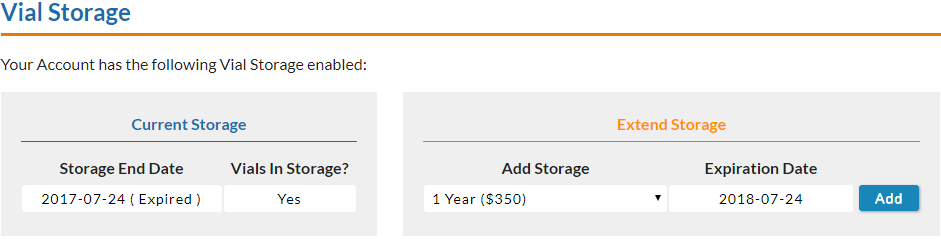
- If you are storing vials, then select the amount of storage you need under the Vial Storage drop-down and click on the Update button beneath it.
- Click on the Checkout button.
- On the checkout screen, fill out your Customer Information. If you are shipping vials you will also need to fill out the Delivery Information.
- For deliveries, select the type of delivery using the Deliver To drop-down at the top.
- Fill out all of the delivery information.
- Please double-check that you have the correct delivery address. A wrong address may impact timely delivery of your vials.
- Enter your payment information at the bottom of the screen.
- Click on Complete Purchase.
Customer Service
Our customer service team is available to assist you with placing an order. Please contact them between business hours for assistance.